App Information
App Name Nuvio
Category Entertainment
Publisher Nuvio Media
Version 1.4.1
Size 100.1 MB
Package Name com.nuvio.app
Platform Android
Device Support 7.0 and up
Price Free
User Rating 4.4/5
Total Downloads 112,524
Age Rating 3+
Nuvio Media Organizer
Nuvio is a modern media organizer designed for people who want a cleaner and more flexible way to discover, organize, and manage movies and TV shows across multiple devices. Instead of keeping your watch history, collections, and progress limited to one platform, Nuvio lets you continue your experience on supported devices while maintaining a consistent interface and synchronized library. It supports features such as media discovery, watch progress tracking, collections, user profiles, and Trakt synchronization across compatible platforms.
Whether you are installing Nuvio for the first time or looking for the latest version for your preferred device, this guide explains everything you need to know. From downloading the application to understanding supported platforms, installation requirements, first-time setup, and everyday usage, this page serves as a complete starting point.
Unlike short installation tutorials, this guide focuses on helping both new and experienced users understand how Nuvio works, where it can be installed, and what you should know before using it.
Screenshots
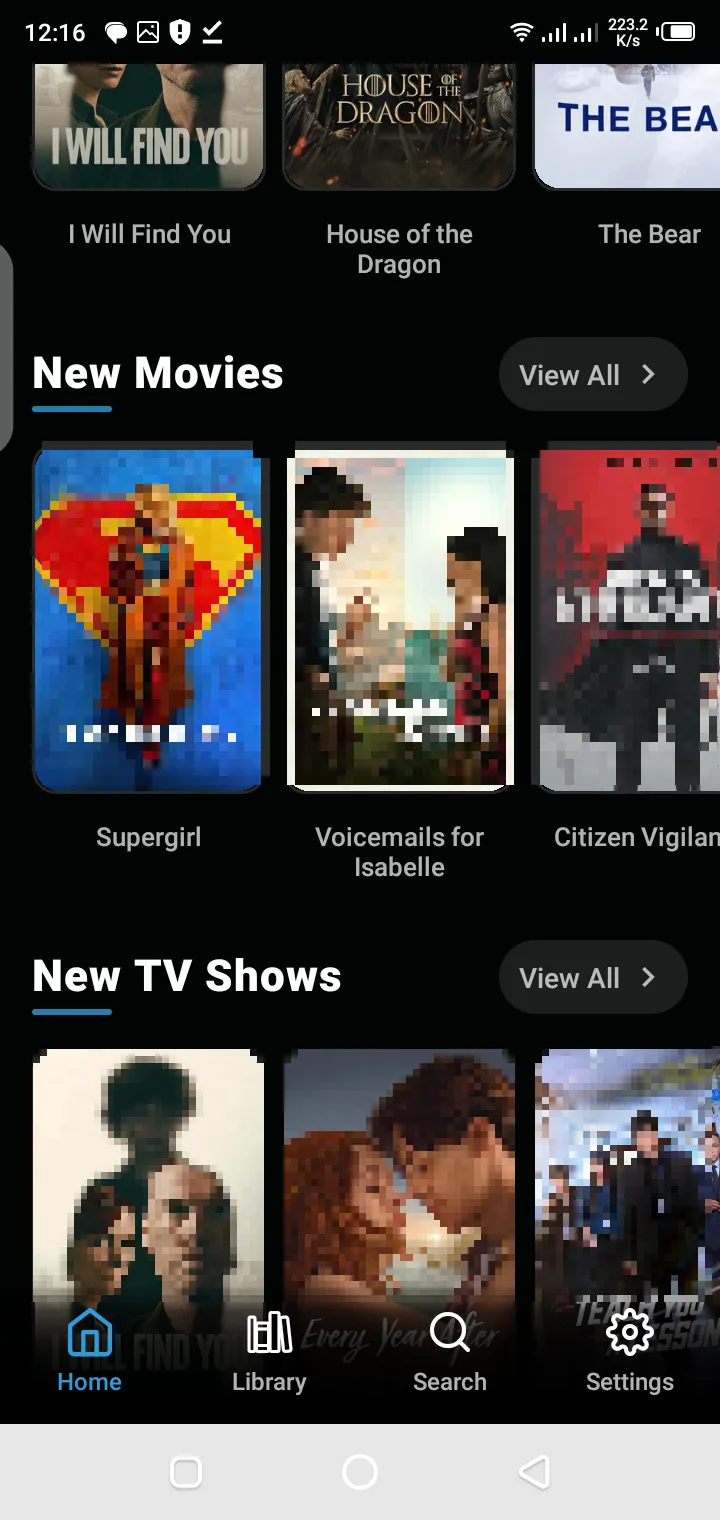
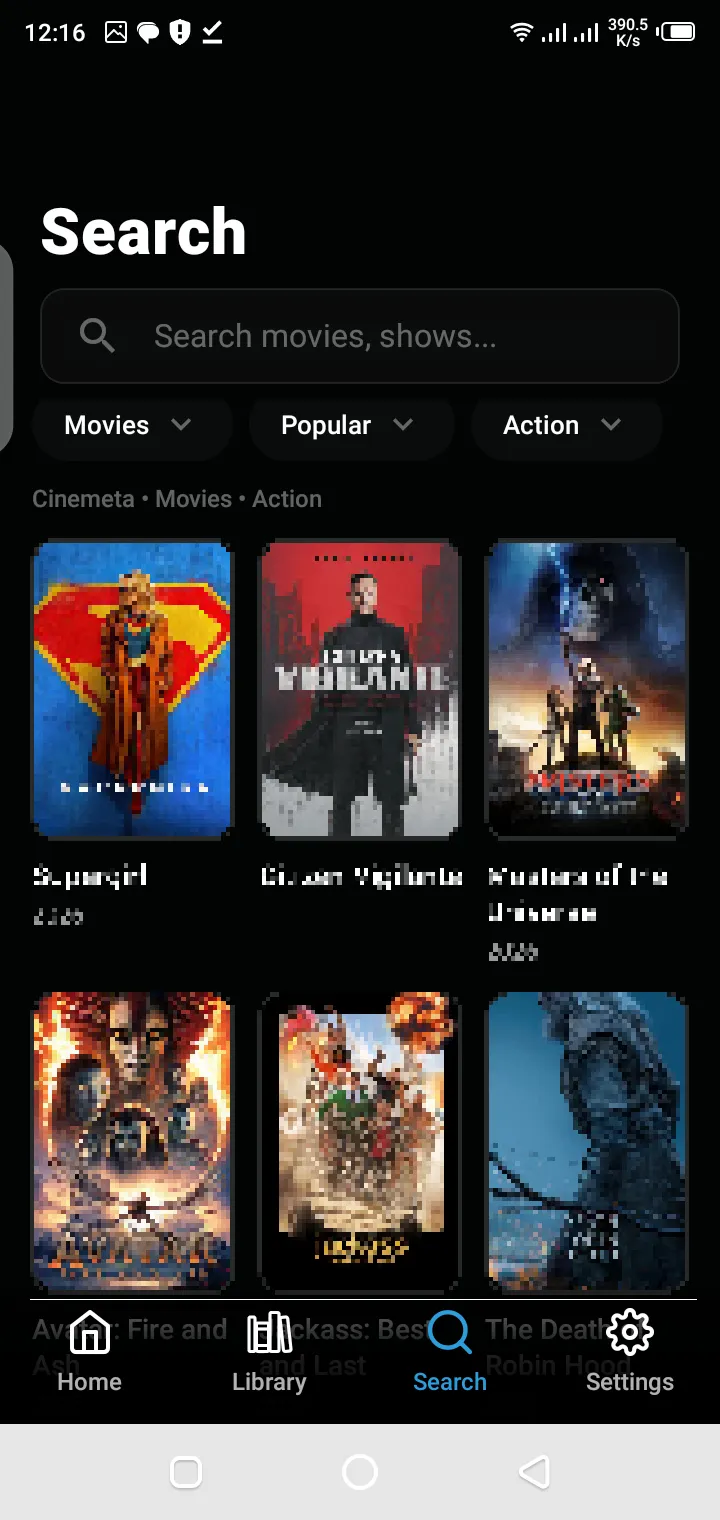
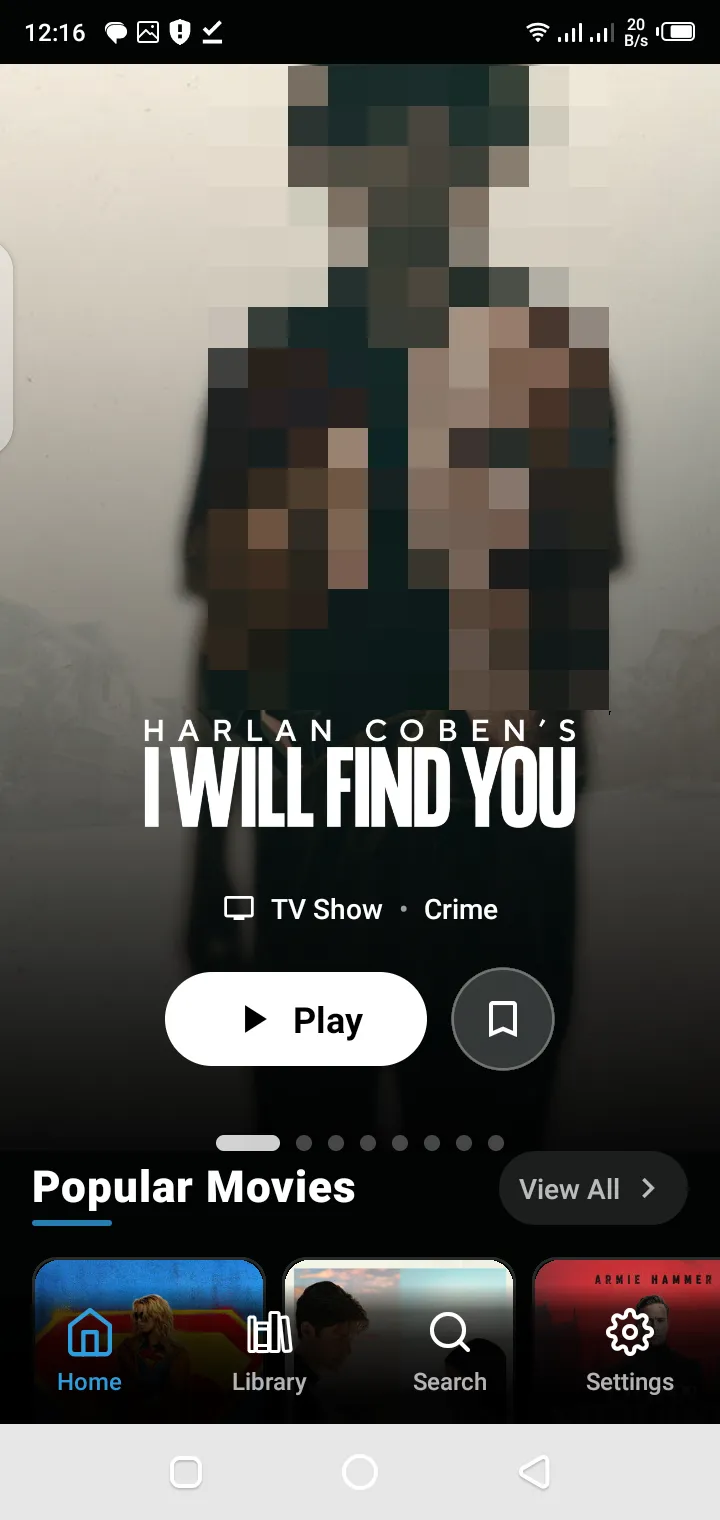
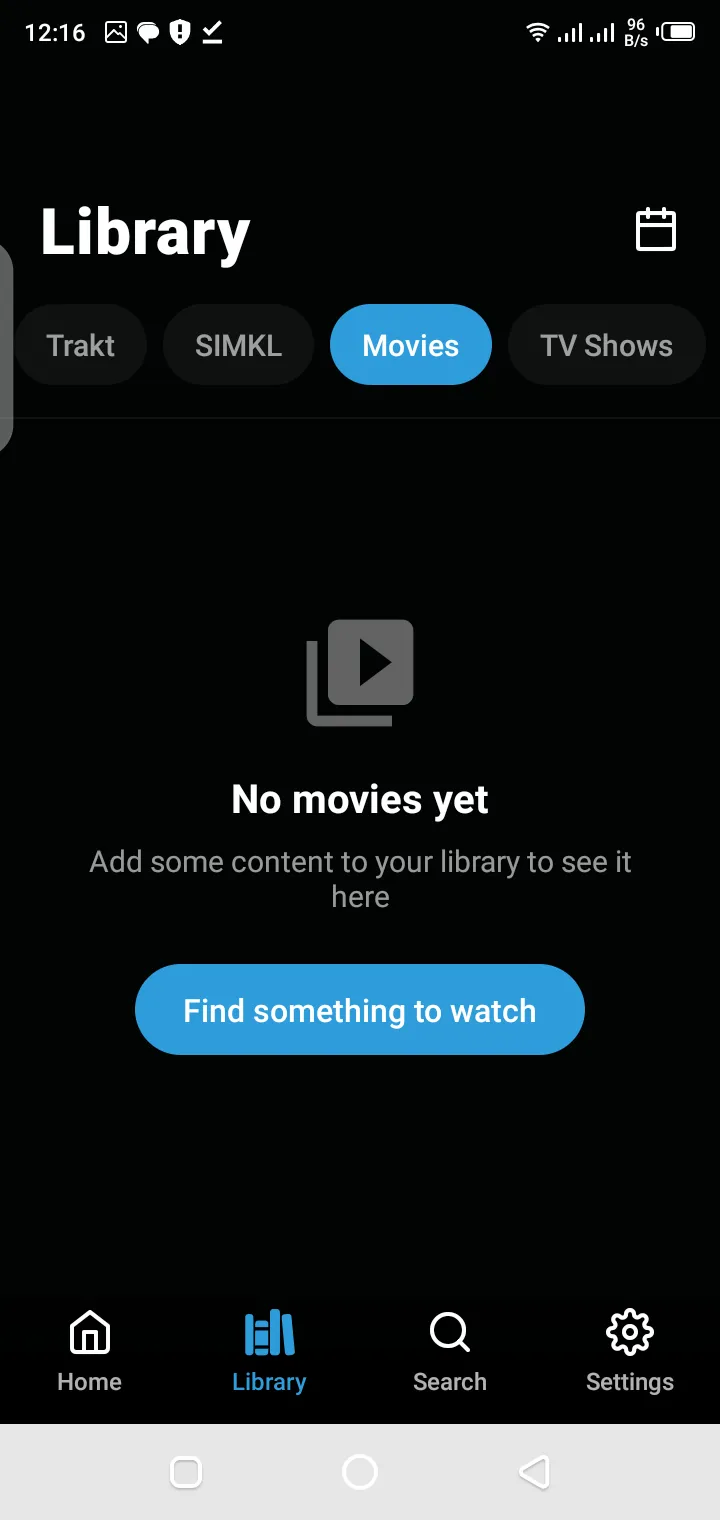
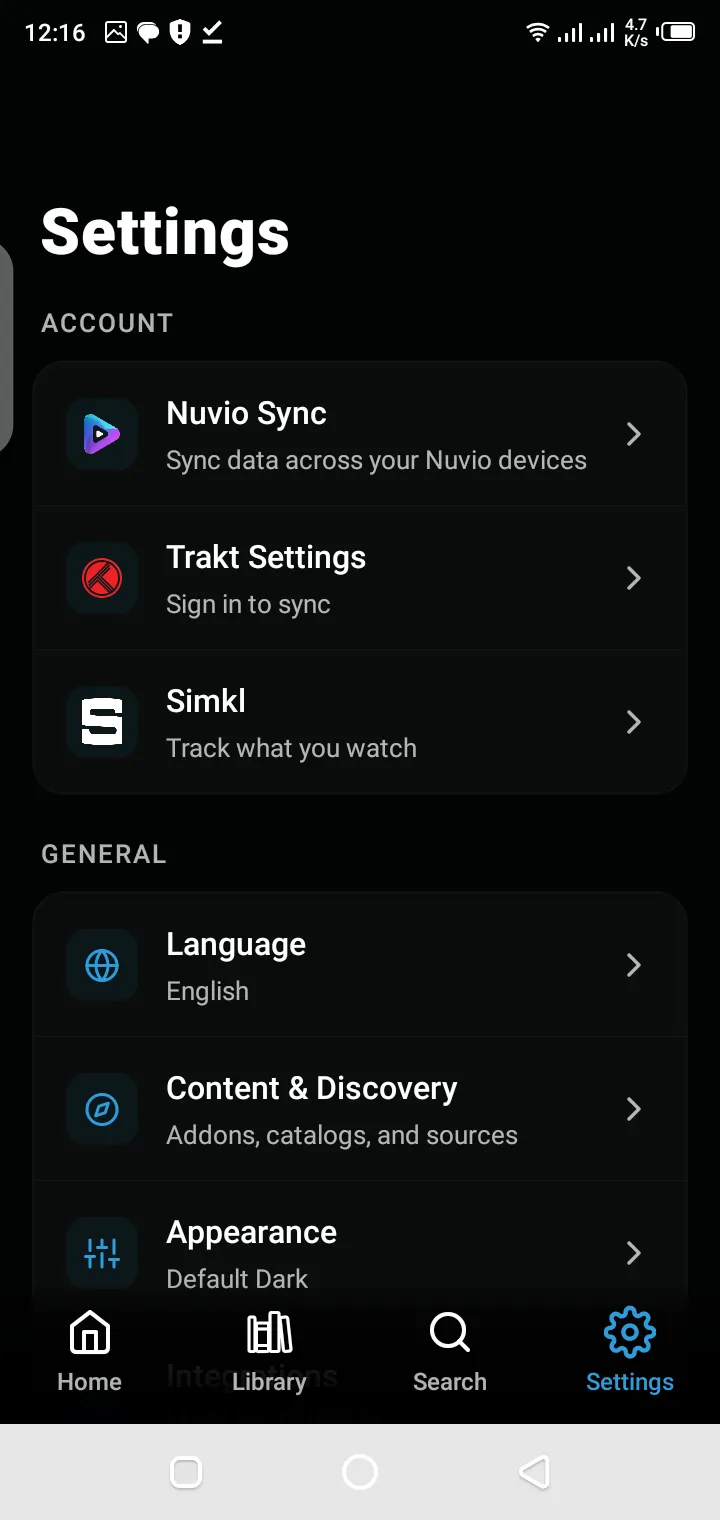
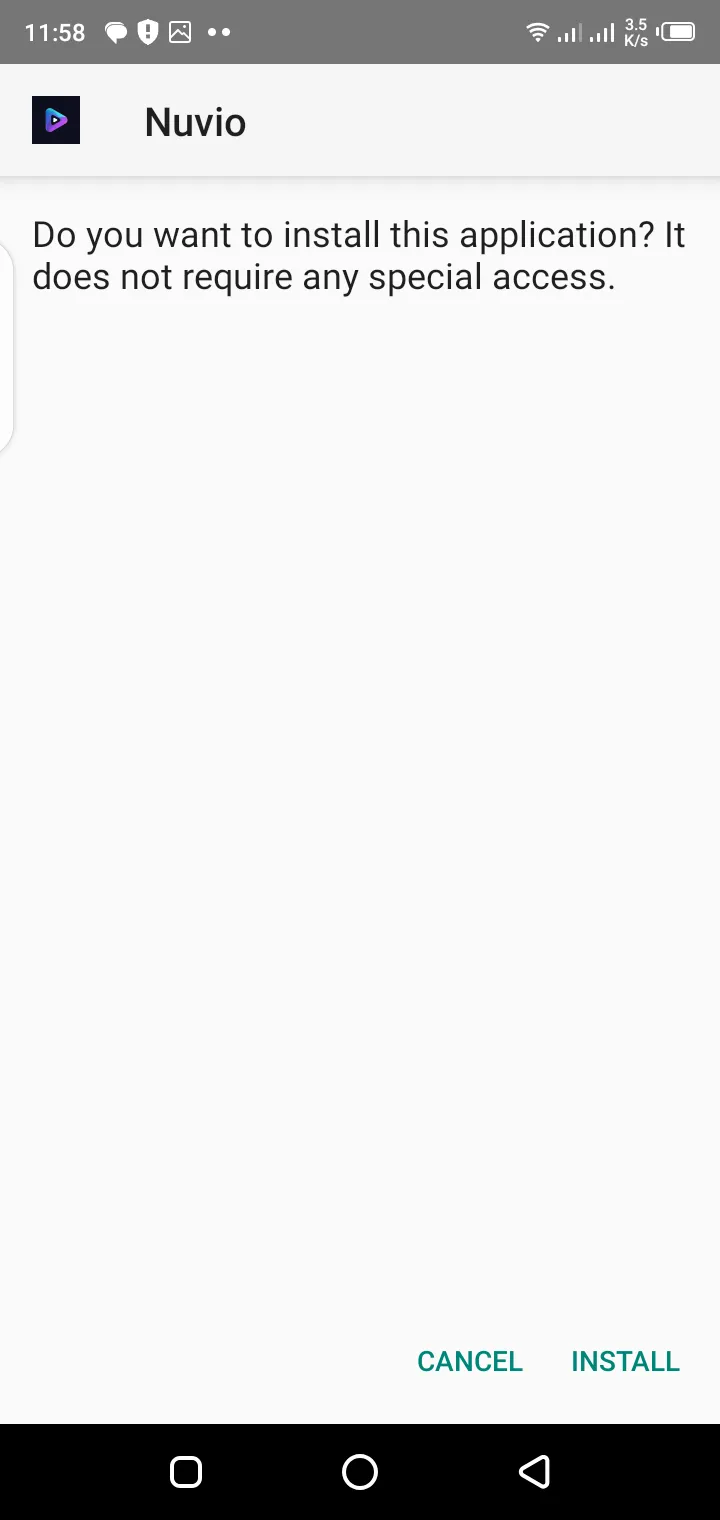
Nuvio is a cross-platform media organizer built to simplify the way users browse, organize, and keep track of movies and television shows. It combines a modern interface with synchronization features that help users maintain their library and watch progress across multiple supported devices. According to the official project, Nuvio is available across mobile, TV, desktop, and WebOS environments, allowing users to move between devices without losing their viewing progress.
Rather than functioning as a traditional media library with isolated data, Nuvio focuses on creating a connected viewing experience. Your collections, profiles, playback progress, and supported integrations remain available wherever you use the application.
This makes it suitable for users who regularly switch between smartphones, tablets, televisions, desktop computers, and streaming devices.
---
Choosing a media organizer is not only about interface design. Long-term usability depends on synchronization, device compatibility, performance, and overall viewing experience.
Nuvio is designed around these practical requirements by providing:
These capabilities help users maintain one organized media library instead of managing separate viewing histories on different devices.
---
One of the strongest advantages of Nuvio is its availability across multiple platforms.
Depending on your device, the installation process may differ slightly, but the overall experience remains consistent.
Supported platforms include:
The official Nuvio project continues expanding platform support while maintaining a unified viewing experience across devices.
---
Before downloading the application, make sure your device meets the basic requirements.
For the best experience, install the version that matches your operating system and hardware.
Different devices may receive different application builds that are optimized for their interface and navigation model.
Examples include:
Using the correct version helps improve performance and navigation.
---
Nuvio depends on internet connectivity for account synchronization, metadata retrieval, and supported online features.
A stable internet connection helps ensure:
---
Keeping your operating system updated improves compatibility with newer Nuvio releases.
Updated operating systems generally provide:
---
Installing Nuvio is generally straightforward.
The exact process depends on your device.
In most cases, the installation includes four simple stages:
After installation, users can begin organizing their media library and configuring available integrations.
---
Download the application.
Install the application.
Open Nuvio.
Complete the initial setup.
The first launch introduces users to the core experience.
During setup, users may configure:
Completing these initial settings provides a more personalized experience from the beginning.
---
One of the primary goals of Nuvio is helping users organize entertainment more efficiently.
Instead of searching repeatedly for previously watched titles, users can maintain a structured library that includes:
Organized libraries make it easier to resume unfinished content and discover titles based on personal preferences.
---
Watching content across multiple devices often creates inconsistent watch history.
Nuvio addresses this challenge through synchronization features that help users continue watching without manually tracking their progress.
Depending on your configuration, synchronization may include:
The official application also supports synchronization with Trakt for compatible workflows, allowing users to keep their watch history consistent across supported environments.
---
User experience changes significantly depending on screen size.
A smartphone requires different navigation than a television.
Likewise, desktop users expect different controls than tablet users.
Nuvio adapts its interface to provide an experience appropriate for each supported platform while maintaining consistent navigation patterns and visual organization. The project also includes dedicated work for Android TV and TV-first interfaces.
---
Every media application aims to simplify entertainment, but the features available determine how useful it becomes over time. Nuvio is designed to provide a consistent experience regardless of whether you're using a smartphone, tablet, desktop computer, or television.
Instead of focusing on a single operating system, Nuvio emphasizes accessibility, synchronization, and media organization. This approach allows users to manage their libraries without rebuilding collections whenever they switch devices.
Some of the most notable features include:
These features work together to create a centralized entertainment experience where your viewing activity remains organized across supported platforms.
---
One of Nuvio's biggest advantages is that it isn't limited to a single ecosystem.
Many users consume entertainment across different devices throughout the day. For example, someone may begin browsing on a smartphone, continue watching from a television in the evening, and later organize their collection from a desktop computer.
Nuvio is designed with this usage pattern in mind.
Depending on platform availability, users can install Nuvio on supported operating systems including:
The interface automatically adapts to different screen sizes, making navigation comfortable whether you're using touch controls, a mouse, keyboard, or TV remote.
---
Finding something to watch shouldn't require scrolling endlessly through multiple applications.
Nuvio helps organize your entertainment into structured categories that are easier to browse and manage.
Users can build personal libraries containing:
Instead of manually remembering what you've already watched, the application keeps everything organized in one place.
As your collection grows, maintaining an organized library becomes increasingly valuable because it reduces duplicate searches and helps surface content you're genuinely interested in.
---
Switching between devices is common, but losing your viewing progress can become frustrating.
Nuvio addresses this by maintaining watch progress through supported synchronization features.
For users who regularly move between mobile devices and televisions, this creates a much smoother viewing experience.
Rather than restarting content or searching for the correct episode, your progress remains available whenever synchronization is enabled.
Depending on your configuration, synchronized information may include:
This synchronization helps create a consistent entertainment experience regardless of the device being used.
---
For users who already rely on Trakt to organize entertainment, Nuvio provides integration that allows viewing activity to remain synchronized.
Instead of manually updating watched episodes or movies, supported synchronization keeps your viewing history more consistent across compatible applications.
Benefits of Trakt synchronization include:
This makes Nuvio especially useful for users who already maintain extensive entertainment libraries.
---
Good software isn't only about features - it also depends on usability.
Nuvio adopts a clean interface designed to minimize distractions while making navigation straightforward.
Users can quickly access:
Menus remain consistent across supported devices, reducing the learning curve when switching between platforms.
Large buttons, clear typography, and responsive layouts contribute to an interface that feels intuitive on both mobile devices and larger television screens.
---
Every user watches entertainment differently.
Some users primarily watch movies.
Others spend more time following television series.
Some maintain extensive watchlists while others organize content into collections.
Nuvio supports these different viewing habits by allowing users to personalize their library according to their own preferences.
Depending on available features, users can organize:
This flexibility makes browsing significantly faster compared to searching every time.
---
Nuvio continues expanding support across multiple operating systems and entertainment devices.
Platform availability may evolve as new versions are released, but the project currently focuses on delivering a consistent experience across major environments.
Supported platforms include:
Android provides one of the simplest installation experiences for Nuvio.
Users can install the application, complete the initial setup, and begin organizing their media library within minutes.
---
Nuvio includes an interface specifically designed for television screens.
Instead of touch navigation, Android TV users receive layouts optimized for remote controls, making browsing easier from a distance.
---
Google TV users benefit from an interface adapted for television viewing while maintaining synchronization with supported user data.
The larger screen allows collections, posters, and browsing categories to become easier to navigate.
---
Desktop users can organize larger libraries more efficiently using keyboard and mouse navigation.
Windows also provides a comfortable environment for users who prefer browsing media before switching to another viewing device.
---
Mac users receive the same organized media experience while benefiting from a desktop-oriented interface that emphasizes productivity and library management.
---
The mobile version allows users to browse, organize, and manage their media while away from their primary entertainment setup.
Touch navigation provides quick access to watchlists, collections, and recently viewed content.
---
Television interfaces prioritize larger visuals, simplified navigation, and remote-friendly controls.
This makes discovering movies and television series much more comfortable on large displays.
---
Installing the latest version helps ensure compatibility, improved stability, security enhancements, and access to recently introduced features.
Keeping the application updated may provide:
Users should periodically check for official updates appropriate for their operating system to maintain the best possible experience.
---
---
Although Nuvio is designed to work across multiple platforms, the overall experience depends on your device specifications, operating system, network stability, and software compatibility.
Preparing your device before installation helps prevent common setup issues while ensuring smoother navigation and better overall performance.
Before installing Nuvio, make sure you have:
Meeting these basic requirements reduces installation errors and improves long-term stability.
---
Because Nuvio synchronizes user libraries, metadata, watch progress, and supported online services, maintaining a stable internet connection is important.
A reliable connection improves:
For the best experience:
A stable network doesn't just improve speed - it also helps maintain consistency across your devices.
---
As your movie and television collection grows, organization becomes increasingly important.
Rather than depending solely on search every time you want to watch something, organizing your media library makes navigation significantly easier.
A well-maintained library usually includes:
Keeping these sections updated allows you to spend less time searching and more time enjoying your entertainment.
---
Watchlists are useful for saving movies and television series you plan to watch later.
Instead of relying on memory, users can build personalized lists that grow over time.
Many users create separate watchlists for:
Organized watchlists make content discovery faster while reducing duplicate searches.
---
Collections allow similar content to remain grouped together.
Instead of browsing hundreds of individual titles, users can organize media according to their own preferences.
Examples include:
Well-organized collections improve browsing while creating a cleaner library structure.
---
Different members of a household often have different viewing preferences.
Profiles help separate individual libraries while preserving personalized recommendations, watch progress, and viewing history.
Separate profiles help maintain:
This makes Nuvio suitable for shared devices without mixing viewing activity between users.
---
As media libraries continue growing, search becomes one of the most frequently used features.
An efficient search system helps users quickly locate:
Instead of scrolling through hundreds of titles, users can locate content much faster through organized search results.
---
Synchronization is one of the most valuable parts of the Nuvio experience.
Without synchronization, users often lose:
Synchronization helps maintain consistency between supported devices.
For users who regularly switch between mobile devices, televisions, and desktop computers, this creates a much smoother entertainment experience.
---
Whenever users manage personal libraries, synchronization, and viewing history, protecting account information becomes important.
To improve account security:
Maintaining these practices helps reduce unnecessary security risks while improving long-term account reliability.
---
Good performance depends on more than hardware specifications.
Regular maintenance helps keep the application responsive over time.
Helpful practices include:
These small maintenance steps often improve stability while reducing unexpected issues.
---
Many installation problems are caused by simple configuration issues rather than software defects.
Some common mistakes include:
Verifying these areas before troubleshooting usually resolves many common installation problems.
---
Like any modern application, users may occasionally experience minor issues depending on their device configuration.
Examples include:
In most situations, these issues can be resolved by checking connectivity, updating the application, or reviewing synchronization settings.
---
The popularity of cross-platform entertainment continues increasing because users rarely rely on a single device anymore.
Modern viewing habits often involve:
Nuvio supports this changing behavior by allowing users to maintain one organized media experience instead of multiple disconnected libraries.
This flexibility reduces friction while making entertainment management significantly easier.
---
Frequently Asked Questions
Nuvio is a cross-platform media organizer that helps users discover, organize, and manage movies and TV shows across supported devices. It offers features like library management, watch progress synchronization, collections, and Trakt integration.
---
The availability of Nuvio depends on the platform you are using. Always download the application from the official website or trusted app stores to ensure you receive the latest and most secure version.
---
Nuvio supports multiple platforms, including Android phones, Android tablets, Android TV, Google TV, Windows, macOS, iPhone, iPad, WebOS, and other compatible smart TV environments.
---
Yes. Nuvio is available for desktop environments, allowing users to organize their media library and manage their viewing activity from a Windows computer.
---
Yes. Mac users can install Nuvio and access the same core features available on supported platforms, including media organization, collections, and synchronization.
---
Yes. Nuvio includes an interface optimized for Android TV, making it easier to browse movies and TV shows using a television remote.
---
Yes. Nuvio can be used on compatible streaming devices. Installation methods may vary depending on the operating system and supported application source.
---
Yes. Nuvio supports Trakt synchronization, allowing users to sync watch history, collections, watchlists, and viewing progress across compatible devices.
---
Yes. Nuvio supports synchronization features that help users continue watching across supported devices without losing their viewing progress.
---
A stable internet connection is recommended for downloading the app, syncing your library, retrieving metadata, and accessing supported online features.
---
The update process depends on your device. Keeping Nuvio updated ensures improved performance, compatibility, bug fixes, and access to the latest features.
---
Most issues are related to internet connectivity, outdated app versions, unsupported operating systems, insufficient storage, or incorrect configuration. Updating the app and checking your device settings usually resolves common problems.
---
Yes, when downloaded from the official website or trusted app stores. Avoid downloading modified or unofficial versions from unknown sources.
---
Nuvio combines a modern interface with cross-platform compatibility, media organization, synchronization features, Trakt integration, and a consistent user experience across supported devices.
---
You can download the latest version of Nuvio from the official website or the appropriate application store for your device to ensure you receive the newest features, security improvements, and performance updates.
---
Conclusion
Nuvio provides a modern approach to organizing and managing movies and television shows across multiple supported platforms.
Rather than treating every device as a separate experience, it allows users to maintain organized libraries, synchronized watch progress, collections, and personalized viewing preferences from a single ecosystem.
Whether you're installing Nuvio for the first time or planning to use it across smartphones, desktop computers, televisions, or streaming devices, preparing your device properly and keeping the application updated helps ensure the best possible experience.
As the platform continues evolving, users benefit from an increasingly connected entertainment environment that simplifies discovery, organization, and media management without sacrificing flexibility.
---
Download Nuvio Now